
How to Deploy Python Django App on cPanel – Shared Hosting

In this tutorial, I am going to walk you through how to deploy Python Django web app on a shared cPanel web hosting plan. I am using Namecheap shared hosting plan but I would recommend using inMotion which support latest Python 3 and Django version. If you need full root access the server, which you […]
How to Install Django 3 on Windows 10

How to install Django 3 on Windows 10 tutorial. If you have Windows 7/8/8.1, you should not have any issue installing Django 3 on your system. Download & Install Python 3.7 w/ pip Just copy and paste this following link in your preferred internet browser tab and hit Enter. Now let it be downloaded, once […]
How to Download & Install Java JDK 13 on Windows 10
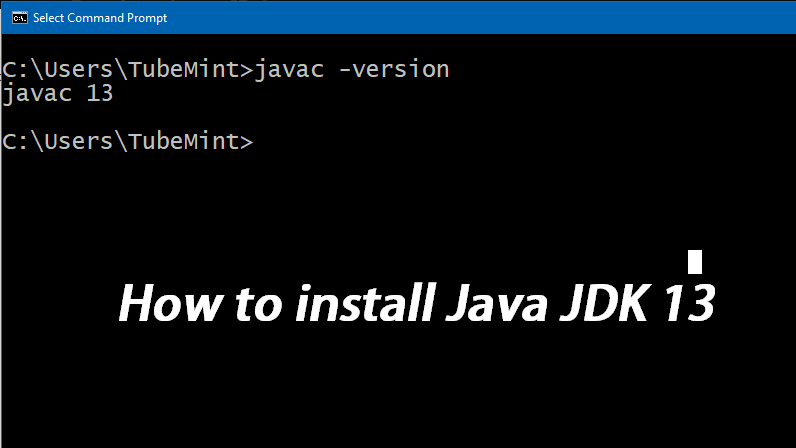
Download Java JDK 13 Launch your favorite internet browser, I am going to use Google Chrome to download Java JDK 14 from the following download link. Click JDK Download (JDK 13) Button Now, scroll down, check “license agreement” radio button, and click the 2nd last Windows 64 bit exe file download link. Let the download […]
Django: Upload and Display Images

Go ahead and add the below code to your #setting.py This should work in Django 1.8, 2.2, and 3.01 as well Import these packages in root #urls.py Add this line of code to root #urls.py Finally, add this line of code to the #list.html Django – Display Images Hope, this is going to work for […]
Fixed: php is not recognized as an internal or external command – Windows 10

If you are getting “php is not recognized as an internal or external command” from your Microsoft Windows Command Prompt on Windows 7, Windows 8, and Windows 10. Then you need to add php folder location path to the system environment variables. this post is going to show you how to add php to system […]