
How to Compile and Run C/C++ Code on Ubuntu
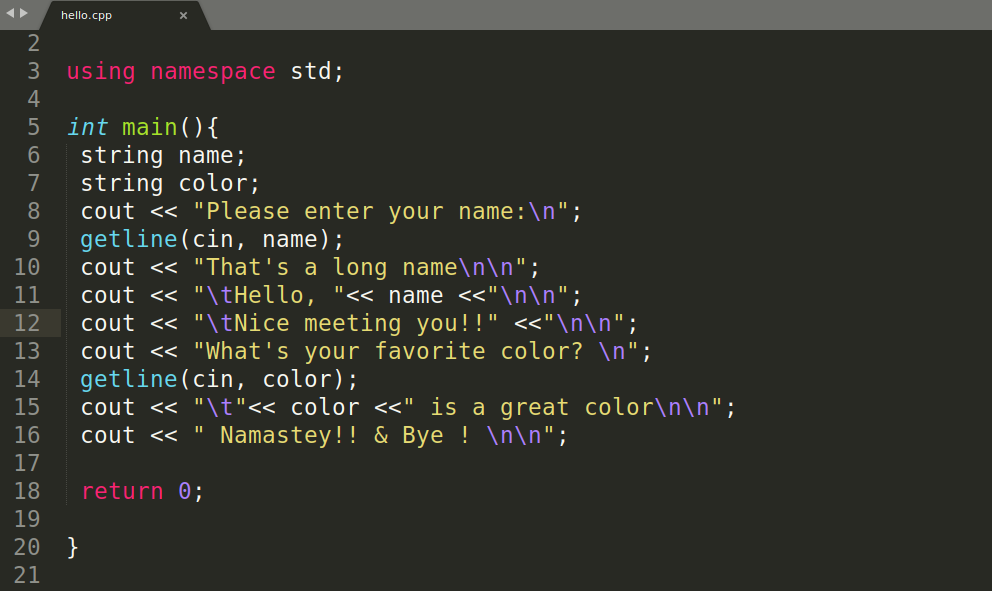
How to compile and run C and C++ code on Ubuntu desktop and server. If you have Ubuntu you already have g++ installed, which is C and C++ compiler. To check g++ version, simply launch your terminal and run the following command. Install g++, C and C++ compiler on Ubuntu In case it g++ is […]
How to install Flask on Ubuntu 18.04/19.04
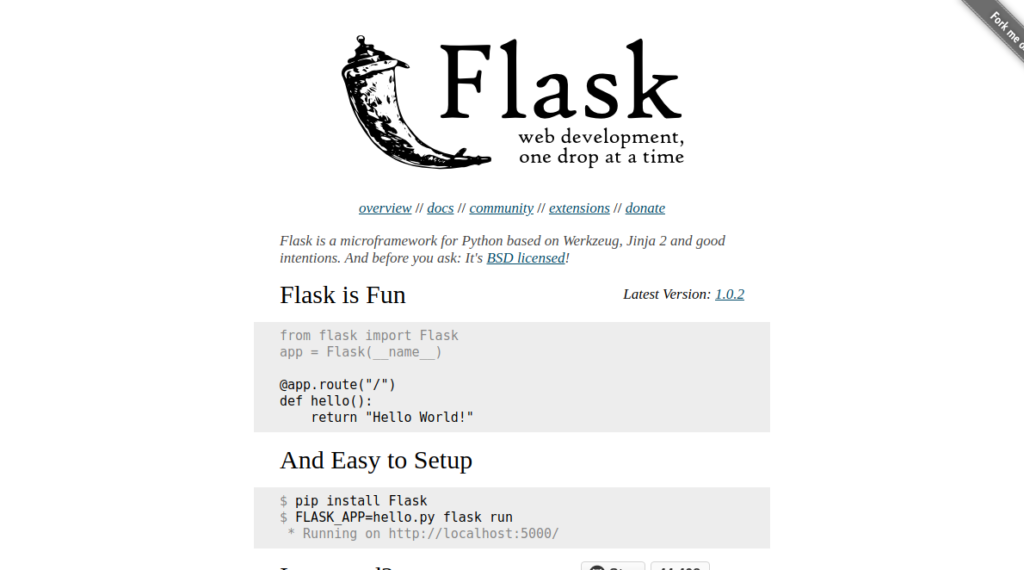
How to install Flask – Python web development micro framework on Ubuntu 18.04 and 19.04 Go ahead and launch your terminal, run the following commands.. I assume that you already have python and pip installed on your Ubuntu Desktop/server. If not, you can install python3 and pip3 with the following commands. Let’s Install python3 and […]
Edge Insider (Chromium): Set Google as a Default Search Engine

I just installed Microsoft Edge Insider browser, which is a chromium (V8) powered browser by Microsoft. In this post, I am going to walk you through to setting Google, Yahoo, or any other search engine as a default search engine on Microsoft Edge Insider browser. Microsoft has released 3 Edge Insider channels, which are Canary […]
Hamburger Menu: HTML, CSS & JavaScript

Let’s make a very simple but, responsive hamburger menu with HTML, CSS, and pure JavaScript. If you have been looking for a tutorial on how to create hamburger menu with HTML, CSS, and Vanilla JavaScript. This post is going to be helpful for you. HTML code for Hamburger Menu Go ahead and launch your favorite […]
How to install NetBeans on Ubuntu
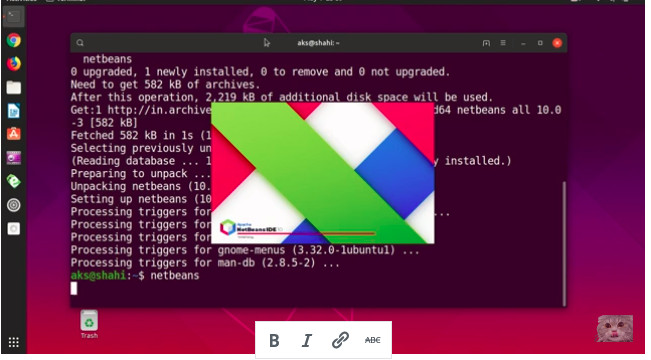
I am going to assume that you have Ubutnu 18.04 or 19.04 version installed your system and you want to install NetBeans 10/11. Go ahead and launch terminal and run this command to update Ubuntu core.. Install NetBeans 11 on Ubutnu with snap command This command is going to install java and java jre and […]